
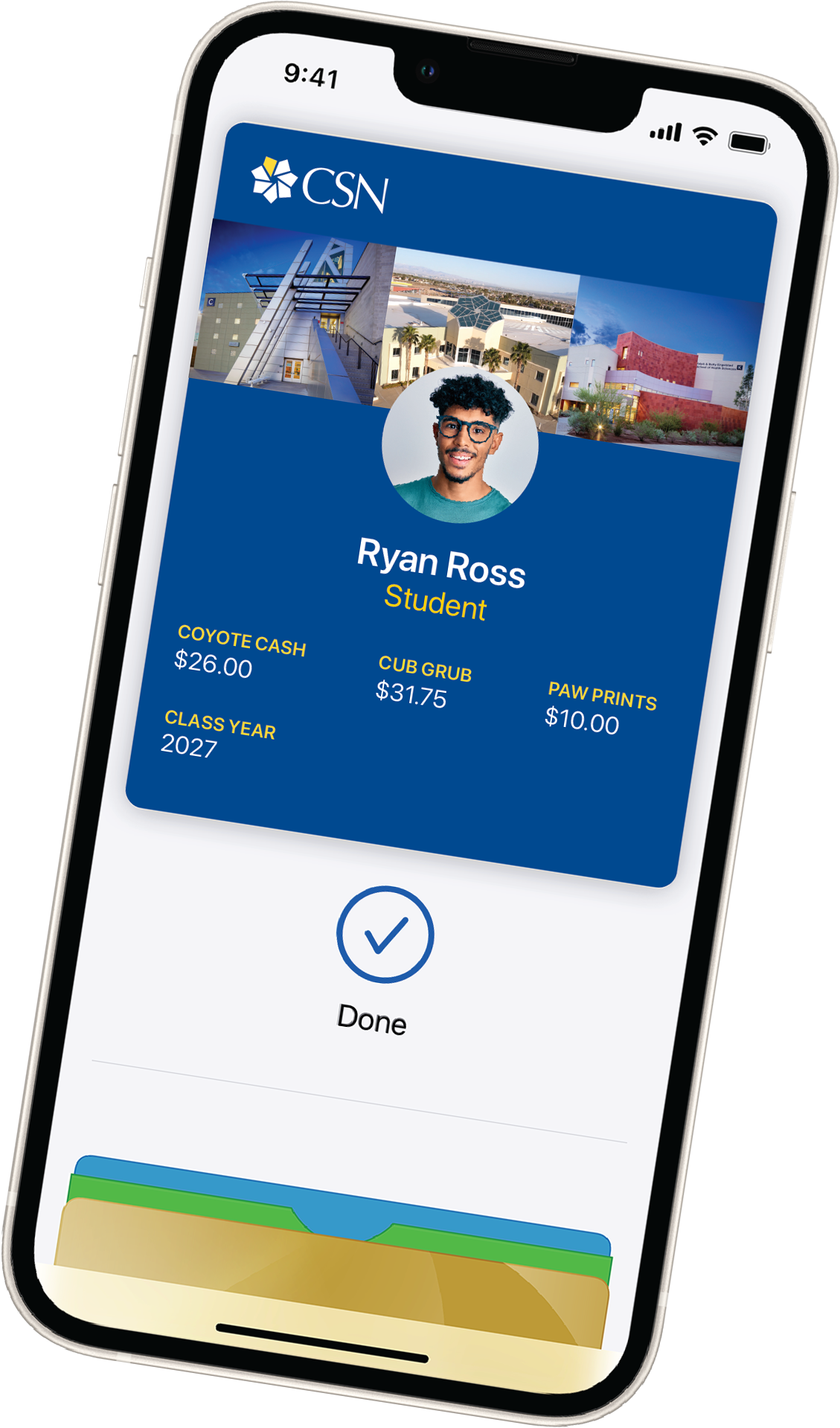
Paw Pass is your official
CSN ID and your pass to CSN services!
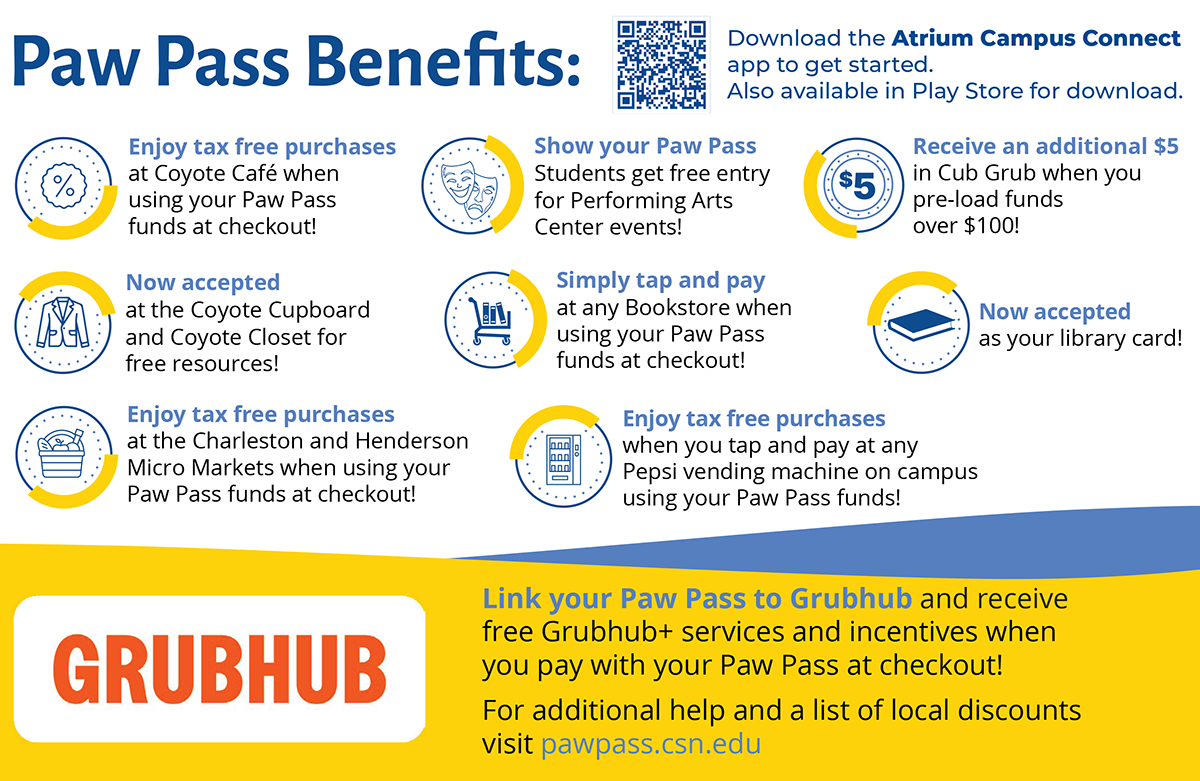
Paw Pass can be used as your library card and gives you access to the Coyote Cupboard and Coyote Closet, as well as access to events at the Performing Arts Center for students. You can use your pass to make tax-free food purchases wherever Paw Pass is accepted. You can use Coyote Cash at any of the bookstores or Pepsi vending machines.
Coyote Cash and Cub Grub funds can be used to complete purchases at the bookstore, food service sites, Micro Markets, and Pepsi vending machine locations across campus.
CSN is a mobile-first campus, meaning CSN’s official ID will live in your mobile device’s wallet. Your Paw Pass will serve as your pass to campus amenities.
Start by downloading the Atrium Campus Connect application and load your free Paw Pass on your iPhone, Apple Watch, Samsung or Android device today! Once you’ve uploaded your two forms of photo identification, and they’re approved, you’re ready to provision through the Atrium app and instantly use your mobile ID that will live in your mobile device’s Apple or Google wallet.


Add Coyote Cash

Add Cub Grub

Local Discounts

Accepted Locations

Our Mission Statement
The Paw Pass Office aims to assist in identification, retail services, and provide seamless access to the college’s services and amenities through an authenticated credential such as a mobile device, watch wearable, or card with an emphasis on sustainability. The Paw Pass Office enhances users in a manner that supports and benefits CSN, its vision, and NSHE’s strategic goals.
CSN’s Paw Pass team aims to enhance learning by creating a user-friendly experience for seamless service. Paw Pass will help deliver cutting-edge technology that will integrate the multiple aspects of a student’s lifecycle at CSN and reassure the business needs of employees. The Paw Pass mobile ID intends to secure an all-in-one management system operating to address all present and future needs. Paw Pass offers an all-encompassing campus application that puts essential resources at the user’s fingertips with real time processing.
How to Take your Paw Pass Photo
- Watch this video tutorial for tips on how to submit and upload your Paw Pass photo.
- Photos must be at least 300x400 pixels and must be no larger than 675x900 pixels.
- Resolution must be at least 72 dpi and under 2.5MB, or less, in color, and in .jpg format.


Paw Pass Quick Facts
CSN’s Paw Pass was established to allow for ease of access to various campus services such as a payment portal to add funds for campus dining, Pepsi vending, off campus food ordering through Grubhub+, bookstore retail purchasing, library card services, and more!
Paw Pass enhances your overall college experience, providing easy, secure, and integrated access to campus services. Once you upload your two forms of photo identification, and they’re approved, you’re ready to provision through the Atrium app and instantly use your mobile ID that lives in your mobile device’s wallet.
Access your Paw Pass mobile ID through the Atrium Campus Connect application in your phone’s app store. Manage your credentials in the app and have your Paw Pass ID live in your Apple Wallet, Apple Watch ID, or Google Wallet.



How-to Tutorials
Apple Intro Tutorial
Android Intro Tutorial
Coyote Cash vs. Cub Grub: What’s the difference?
✔
Funds can instantly be loaded by students, employees, parents, family, or friends
✔
Funds allow you to make purchases across all bookstores, food service sites, and Pepsi vending machines
✔
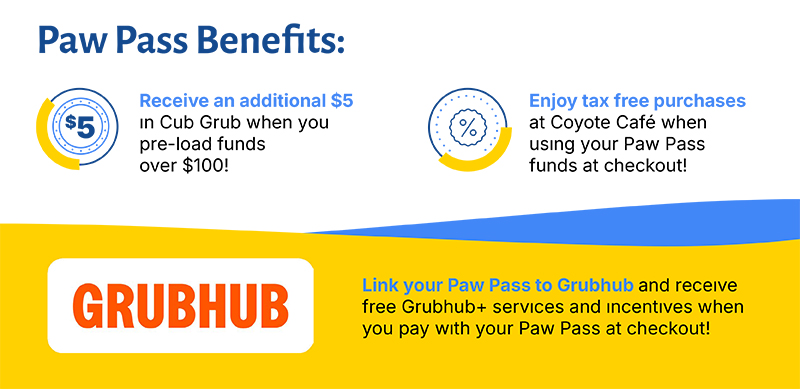
Funds allow you access to Grubhub+ services and incentives when paying with loaded Paw Pass funds
✔
Funds stay on your Paw Pass until a purchase is made and never expires
✔
Funds cannot be used at an ATM and there are no cash withdrawals. Any credited funds given on behalf of CSN are non-refundable
Contact Us – Office: (702) 651-4925 – Email: Paw.Pass@csn.edu



Close
Coyote Cash is a declining pre-paid debit account you can use for purchases both on campus and on Grubhub. Coyote Cash carries over from semester to semester and is refundable when students or employees officially separate from the college.
For refunds, submit a Refund and Closure Request Form and email Paw.Pass@csn.edu for approval.
Your Paw Pass is your official CSN ID and provides access to many campus resources.
Download the Atrium Campus Connect App or visit https://connectcsn.atriumcampus.com/.
Additional help can be found in our tutorial section.
Close
Paw Pass Accepted Locations
- All CSN bookstores accept Coyote Cash
- All CSN libraries accept Paw Pass
- All CSN Pepsi vending machines accept Coyote Cash & Cub Grub
- All CSN Coyote Cupboard and Coyote Closet locations accept Paw Pass
- All purchases made through the Grubhub+ application (including mobile ordering), accept Coyote Cash & Cub Grub
- Henderson Student Union Just Baked machine accepts Coyote Cash & Cub Grub
- Henderson Student Union Coyote Cafe accepts Coyote Cash & Cub Grub
- North Las Vegas Main Building coffee bar accepts Coyote Cash & Cub Grub
- North Las Vegas Student Union Coyote Cafe accepts Coyote Cash & Cub Grub
- North Las Vegas Performing Arts Center accepts Paw Pass
- West Charleston Student Union Coyote Cafe accepts Coyote Cash & Cub Grub
*Paw Pass is not accepted at Russell's
Close
Paw Pass Accepted Locations
Show your Paw Pass ID for instant savings!
- All purchases made through the Grubhub+ app with Coyote Cash & Cub Grub funds receive:
- Tax-free incentives
- $0 delivery fees
- Lower service fees
- 5% back on pickup orders
- Exclusive in-app offers
- Special CSN promos
- 10% off at Rice Bros
- 10% off at Mom's Kitchen
Close
Cub Grub is a declining pre-paid debit account, specific to food purchases, both on campus and on Grubhub. Cub Grub carries over from semester to semester and is refundable when students or employees officially separate from the college.
For refunds, submit a Refund and Closure Request Form and email Paw.Pass@csn.edu for approval.
Your Paw Pass is your official CSN ID and provides access to many campus resources.
Download the Atrium Campus Connect App or visit https://connectcsn.atriumcampus.com/.
Additional help can be found in our tutorial section.
Close